
← All guides
Set delivery fees and shipping zones
Configure delivery charges and shipping areas so customers see the right option at checkout.
Set delivery rules before sharing your store link. Customers need a clear fee and a zone that includes their address.
Configure delivery on desktop
- Open Settings and choose Delivery Setup or Delivery Fee Tiers.
- Use Create Manually or Add Tier to create a distance-based fee tier. Enter the distance range and the customer fee, then press Create Tier.
- Add the next tier until every delivery distance you serve has one clear rule. Use the distance calculator when you need to check a route.
- Return to Delivery Setup, turn Shipping on, then open Shipping from Settings and press Add Zone. Shipping zones stay unavailable until the channel is enabled.
- Enter the zone name, choose the locations it covers, set the rate and any weight or delivery rules, keep the zone enabled, and press Create Zone.
- Test checkout with an address inside the zone and another outside it. Confirm the right delivery choice and fee are shown before placing an order.
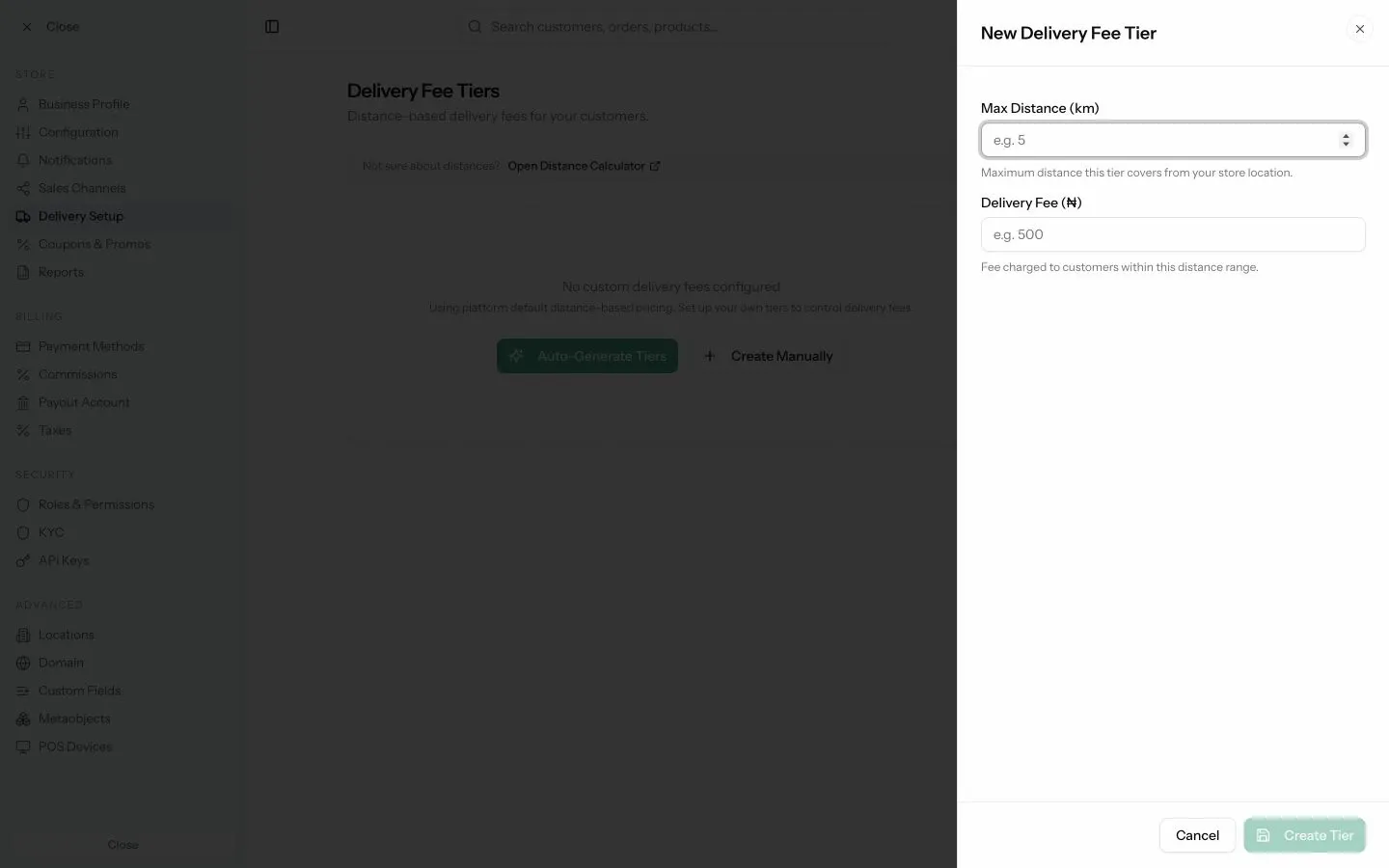
Desktop view: configure the fee and the area it applies to as separate checks.
Check the desktop result
- An address inside the zone receives the intended fee.
- An address outside the zone is not promised delivery accidentally.
- The estimated delivery time is realistic.
Configure delivery on mobile
- Open Menu → Settings → Delivery Setup and open Delivery Fee Tiers.
- Tap Create Manually or Add Tier, enter the distance range and fee, then tap Create Tier.
- Repeat for the remaining distances you serve.
- Return to Delivery Setup, turn Shipping on, open Shipping, then tap Add Zone. Enter the zone and rate details, and tap Create Zone.
- Test checkout from the phone with an address inside and outside the zone before accepting a real order.
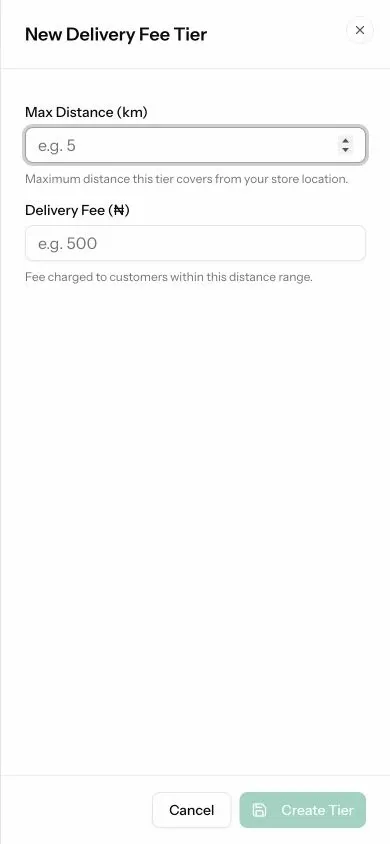
Mobile view: save the delivery fee before moving to the shipping zones.
Check the mobile result
- The fee appears at checkout for the right area.
- The shipping zone covers the locations you actually serve.
- The delivery estimate is visible and believable.