
← All guides
Manage riders and assign deliveries
Add delivery riders, review their details, and keep local delivery orders assigned to the right person.
Rider management is available only on plans and stores that support it. If Riders is missing, check the plan and permissions before troubleshooting.
Manage riders on desktop
- Open Riders in the sidebar. If the page shows Rider Dispatch as locked, the current plan must be upgraded before rider management is available.
- Press Add Rider and enter the rider’s name, email, phone number, and any required rider visibility details, then create the rider. Use the page’s invite action when the rider should join through a generated link.
- Open the rider record and check its approval or active status before assigning work.
- Open a local delivery order and use its fulfilment controls to assign the order to the approved rider.
- Return to the rider profile to review order history and wallet balance. Record a withdrawal only after confirming the balance and amount.
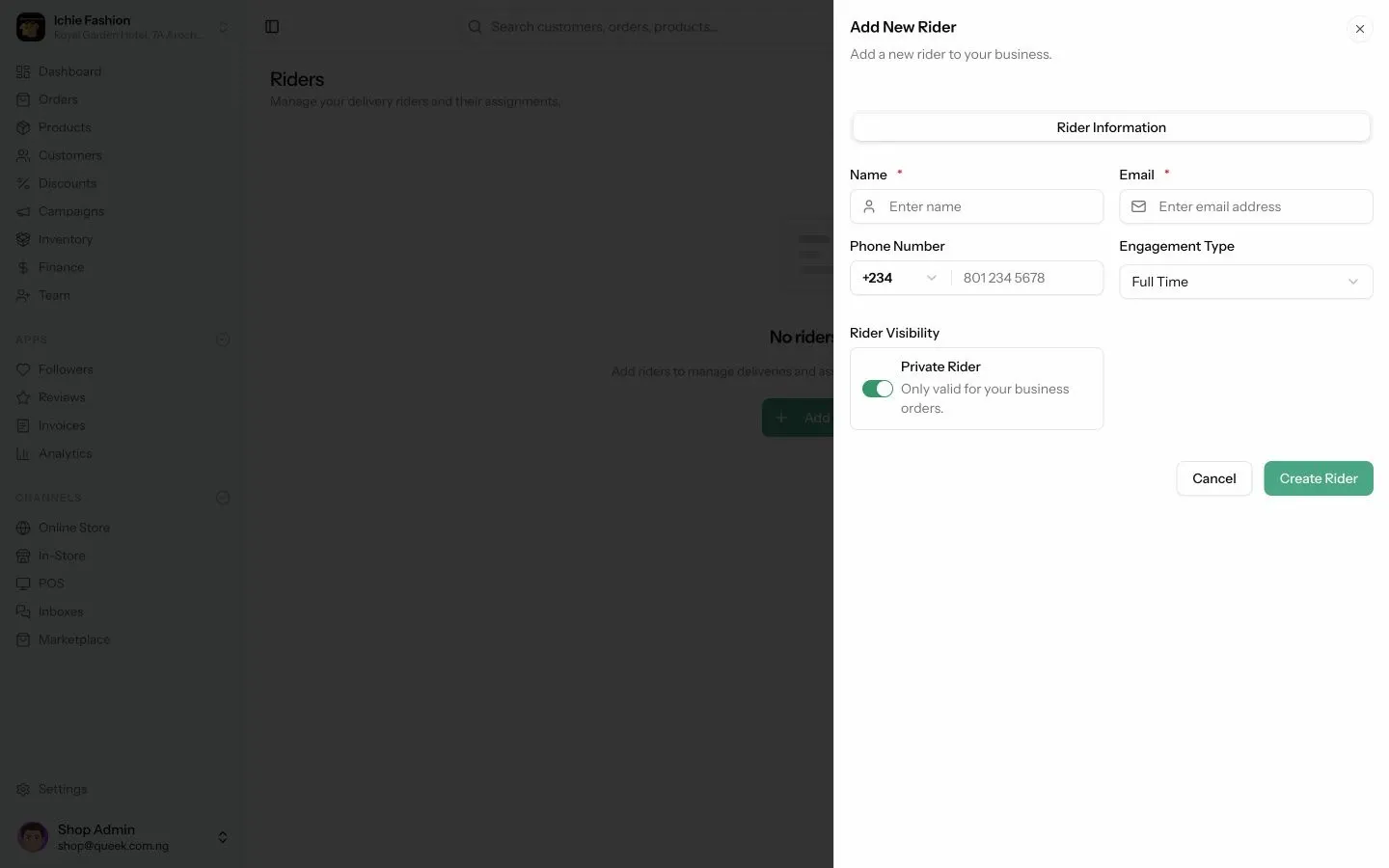
Desktop view: review the rider record before assigning a delivery.
Check the desktop result
- The rider’s contact details are current.
- The delivery appears in the right rider history.
- Wallet movements match the delivery work completed.
Manage riders on mobile
- Open Menu → Riders. If Rider Dispatch is locked, upgrade the plan before trying to add or assign a rider.
- Tap Add Rider, complete the rider information form, and create the rider, or use the invite action to generate a join link.
- Open the rider record and wait for its approval or active status.
- Open the delivery order, use its fulfilment controls, and assign the approved rider.
- Review deliveries and wallet balance from the rider profile, then confirm a withdrawal only when the amount agrees with the balance.
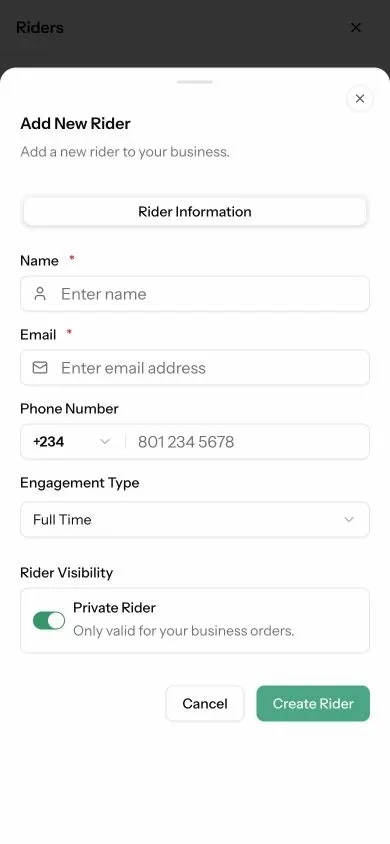
Mobile view: check the rider record before handing over the order.
Check the mobile result
- The right rider owns the delivery assignment.
- The rider can be contacted using the saved details.
- Wallet information is accurate.