
← All guides
Process an order from pending to completed
Open an order, confirm payment and fulfilment details, update its status, and finish the order without skipping the customer check.
Process orders in order: confirm what was bought, confirm how it will be fulfilled, then update the status.
Process an order on desktop
- Open Orders and choose All Orders. Use Channel and the status/filter controls to find the order that needs attention.
- Open the order detail and verify the items, customer, delivery address, payment status, fees, and fulfilment method before changing anything.
- If the customer paid by a manual method, confirm the receipt outside the dashboard first, then use the order’s payment action to mark it paid.
- Prepare the items, add or check fulfilment and delivery details, and move the order to the next status that reflects what has actually happened.
- Assign a rider or shipment when the order uses delivery, then record the hand-off or dispatch step.
- Mark the order Completed only after fulfilment is finished. Use Refund or Cancel only from the order detail when that action is genuinely required, then confirm the resulting status.
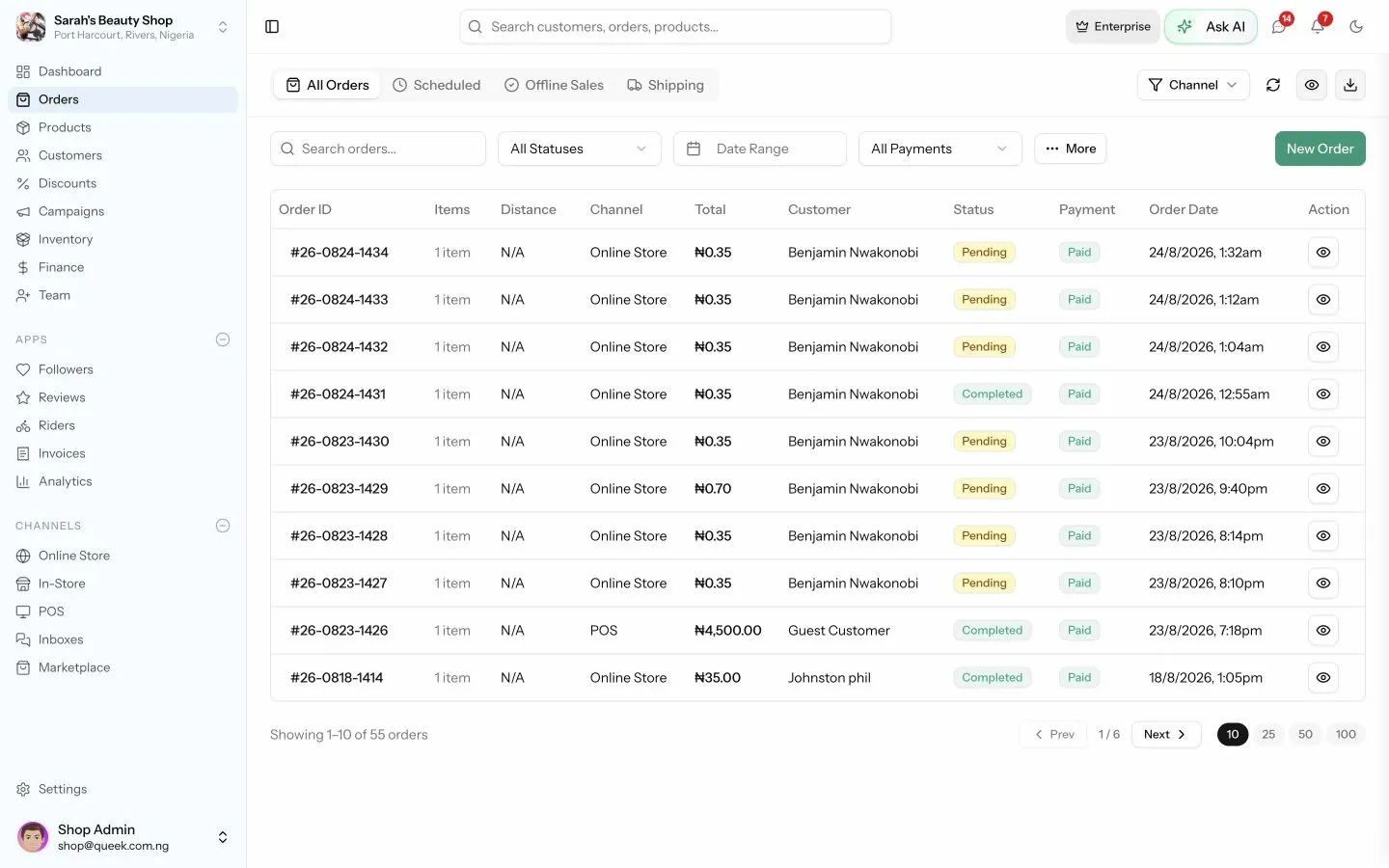
Desktop view: open the order detail before changing its status.
Check the desktop result
- The order status matches what has happened in real life.
- Payment and fulfilment information are correct.
- The customer and item details remain attached to the order.
Process an order on mobile
- Tap Menu → Orders, choose All Orders, and use the channel and status filters to find the order.
- Tap the order and verify its items, customer, address, payment, fees, and fulfilment details.
- Confirm manual payment before using the payment action to mark it paid.
- Prepare, assign the delivery when needed, and move the order through the next accurate status.
- Mark it Completed after fulfilment. Use Refund or Cancel only from the order detail when required, then check the final status.
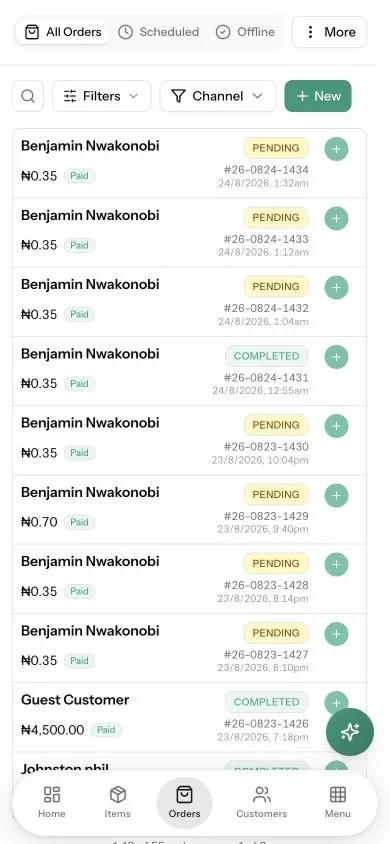
Mobile view: use the order detail screen as your source of truth.
Check the mobile result
- The order is in the correct status.
- Payment and fulfilment match the customer conversation.
- No order was completed before the customer received it.