
← All guides
How to sell on WhatsApp in Nigeria
Connect WhatsApp to Queek Inboxes, write the messages customers see, and test the ordering path before sharing it.
By the end of this guide, your WhatsApp channel will be connected and ready for a real customer conversation.
What you need
- A live Queek store with at least one product enabled for Inboxes.
- A WhatsApp Business number that can receive verification.
- A phone for the final test.
Connect WhatsApp on desktop
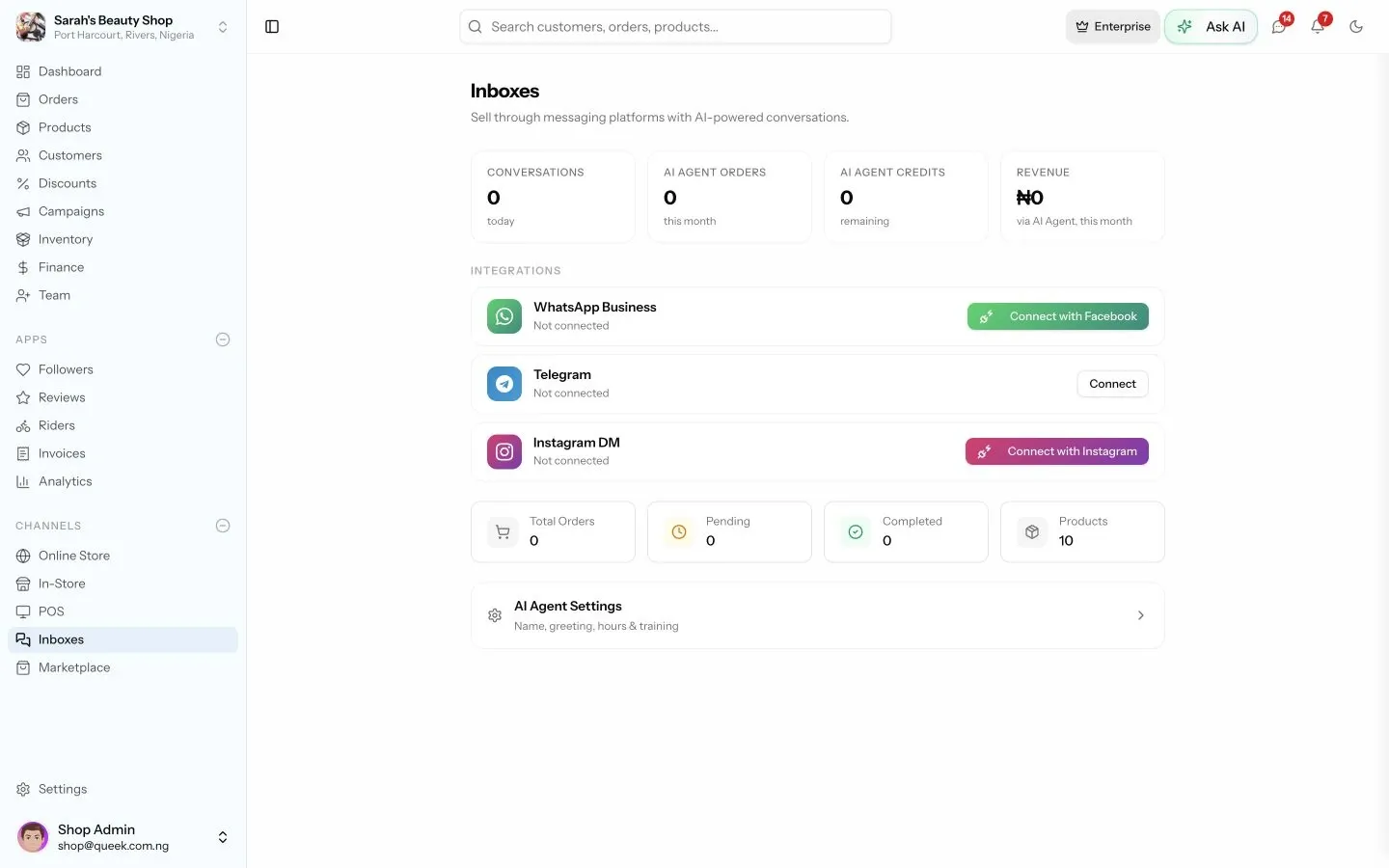
- Open WhatsApp Business from Channels → Inboxes.
- Press Connect with Facebook and complete Meta’s sign-in and business verification in the new tab or popup.
- Return to Queek and confirm the page no longer shows Not connected.
- Open AI Agent Settings and set the agent name, greeting, business hours, and chat experience. Add the common questions and product knowledge the agent should use under Training.
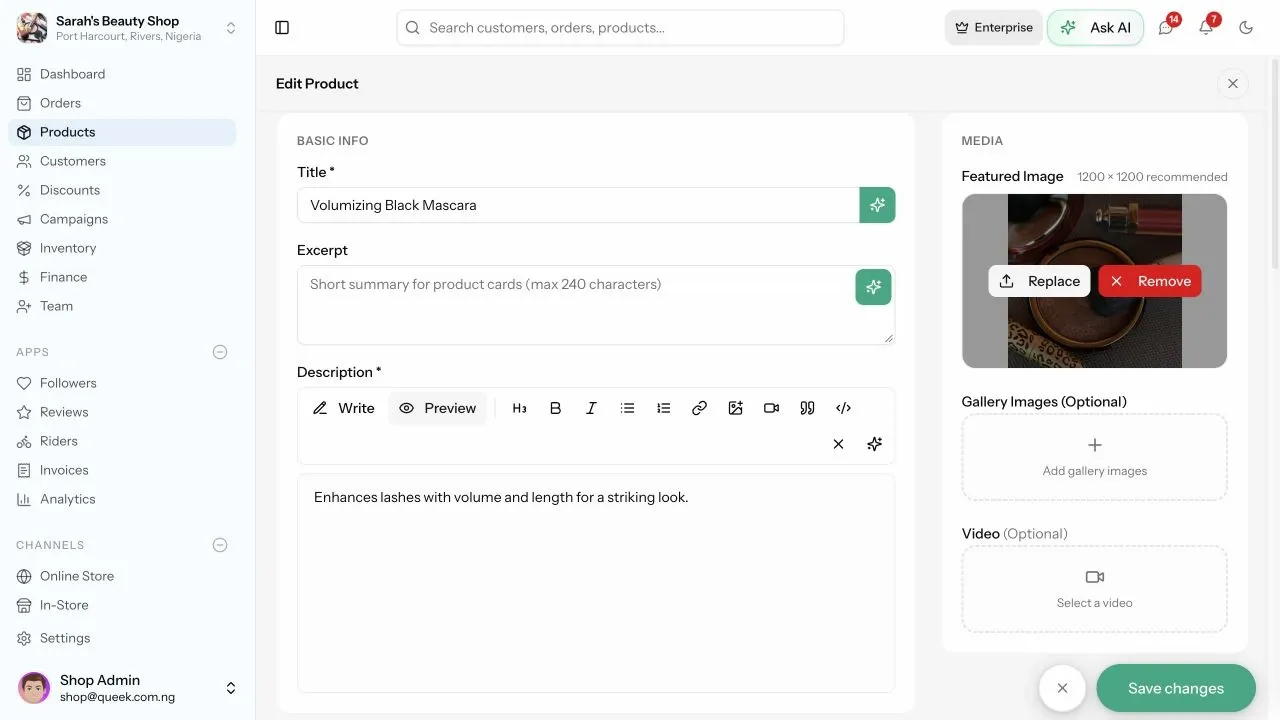
- Save the settings and open Products. Edit a product, open Channels, and make sure Inboxes is selected.
- Send a test WhatsApp message from a separate phone. Check that the agent can answer a product question, show the item, collect the order details, and send the correct payment path.
- Open Orders and confirm the test order carries the inbox channel and the correct customer details before going live.
Check the desktop result
- The correct WhatsApp number shows as connected.
- Customers receive a useful greeting and can see the intended products.
- The offline message explains when you will reply.
Connect WhatsApp on mobile
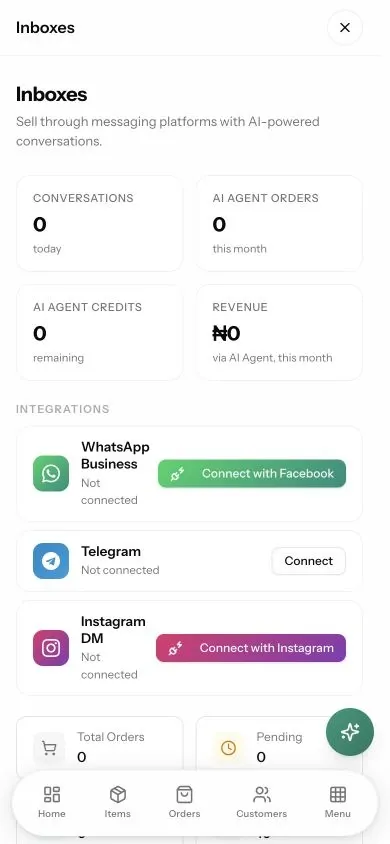
- Tap Menu → Inboxes → WhatsApp and tap Connect with Facebook.
- Complete Meta’s sign-in and verification, then return and confirm the connected status.
- Open AI Agent Settings and fill the agent name, greeting, hours, and chat experience. Add FAQs or product knowledge under Training.
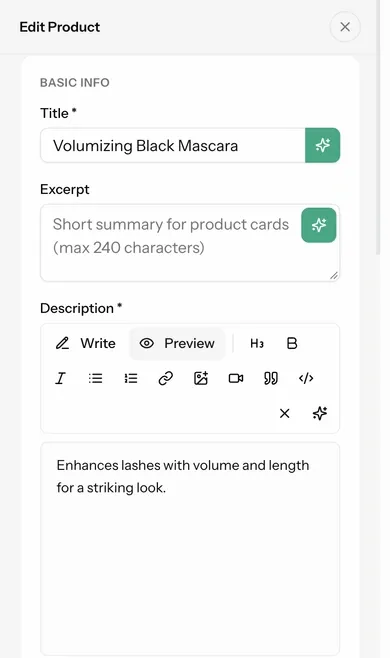
- Save the settings, open Menu → Products, edit a product, and select Inboxes under Channels.
- Send a test WhatsApp message from another phone and verify the response, order details, and payment path.
- Check Menu → Orders for the resulting inbox order before sharing the WhatsApp number publicly.
Check the mobile result
- WhatsApp is connected to the intended store.
- The greeting and collection list are readable on a phone.
- A customer can see the products you intended to sell through WhatsApp.